
Overview
As conversations scale, it’s not always possible to stay on top of every message in real time. With Periskope’s Automated Notifications, you can set up automated notifications, so the right updates reach the right place instantly. Triggers and actions are pre-configured. Your team stays in sync without manual monitoring.How It Works
Automated Notification Templates are pre-built rules that automatically push message data to other platforms based on triggers. Instead of building automation from scratch, you activate a template and refine how and when the notification triggers.- Select a template from the Automated Notifications category
- Review the pre-configured trigger and notification action
- Optionally add conditions to refine the workflow
- Configure the external endpoint or Slack channel
- Save and activate the rule
- Important updates are now delivered automatically
Getting Started with Automated Notifications
Step 1: Access Automation Rules and Start from TemplateFrom your Periskope dashboard > go to Automation Rules > Click New Rule > Click Start from Template. You’ll see templates organized by category. Look for the Automated Notifications category.
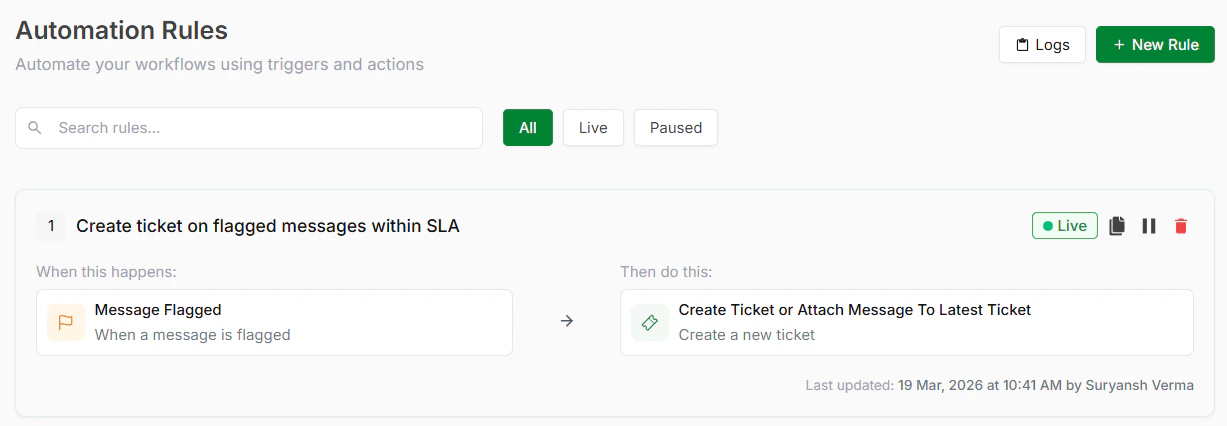
Automation Rules
Step 2: Choose a TemplateInside Automated Notifications, select the template that matches your needs. See available templates below.
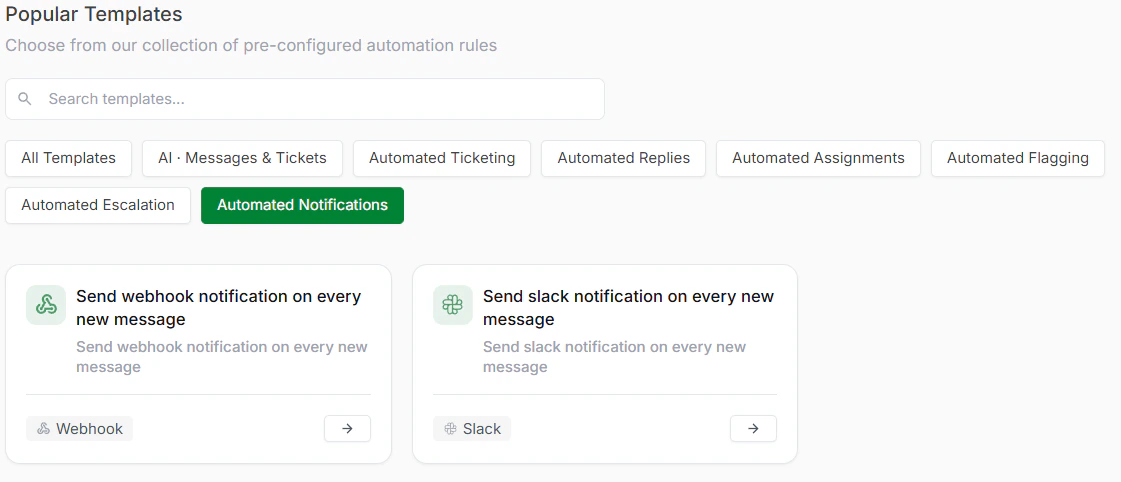
Automated Notifications Templates
Step 3: Review and Optionally CustomizeEach template comes with a trigger and action already configured. Review these to understand how the escalation will work and what conditions will activate it.
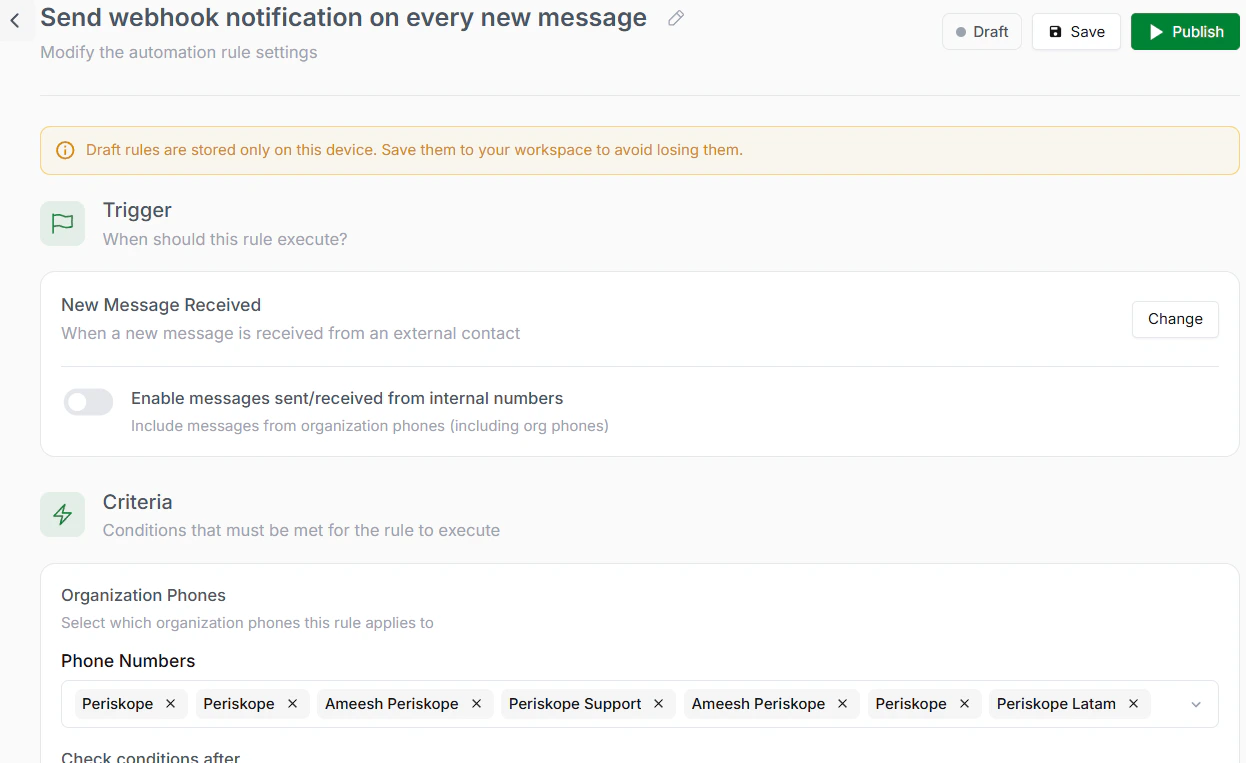
Review the rule
Step 4: Save and ActivateClick Save to store your rule. Click Activate to turn it live. Notifications are now sent automatically.
Available Automated Notification Templates
- Send Webhook Notification on Every Message
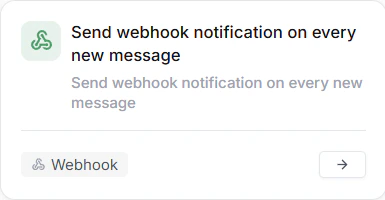
Webhook Notification on new messages
- Send Slack Notification on Every New Message
Slack Notification on new messages