
Overview
Manually creating tickets for every customer query can get repetitive, and it’s easy to miss things when conversations scale. With Periskope’s Automated Ticketing Templates, you can automate this entire process in just a few steps. Pick a template, optionally add conditions, save, and you’re done. Tickets are created automatically based on your rules.How It Works
Automated Ticketing Templates are pre-built rules that come with triggers and actions already configured. Instead of building automation from scratch, you activate a template and optionally customize it.- Select a template from the Automated Ticketing category
- Review the pre-configured trigger and action
- Optionally add conditions to refine when it triggers
- Save and publish the rule
- Tickets are now created automatically
Getting Started with Templates
Step 1: Access Automation RulesFrom your Periskope dashboard > go to Automation Rules > Click New Rule > Click Start from Template. You’ll see templates organized by category. Look for the Automated Ticketing category.
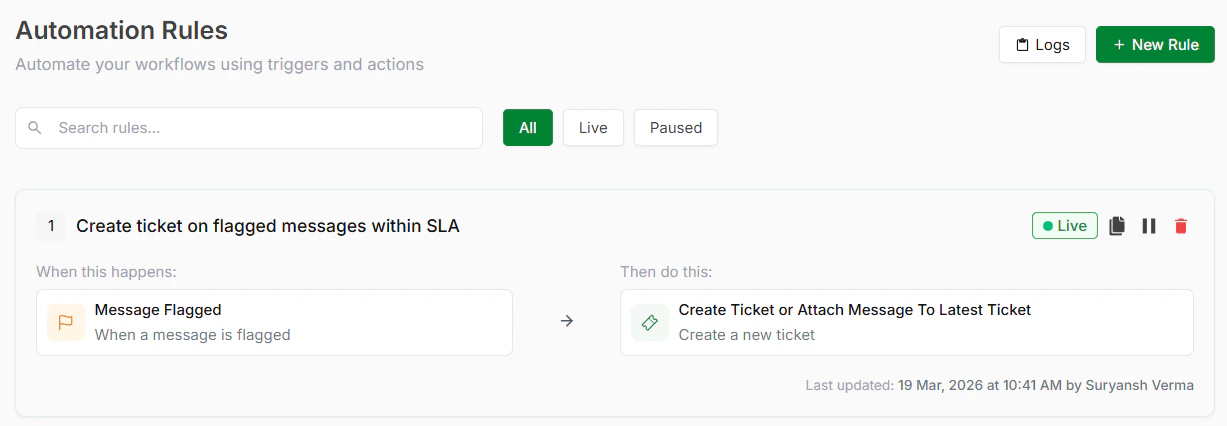
Automation Rules
Step 2: Choose a TemplateInside Automated Ticketing, you’ll find several ready-to-use templates. Pick the one that matches your workflow. See templates below.
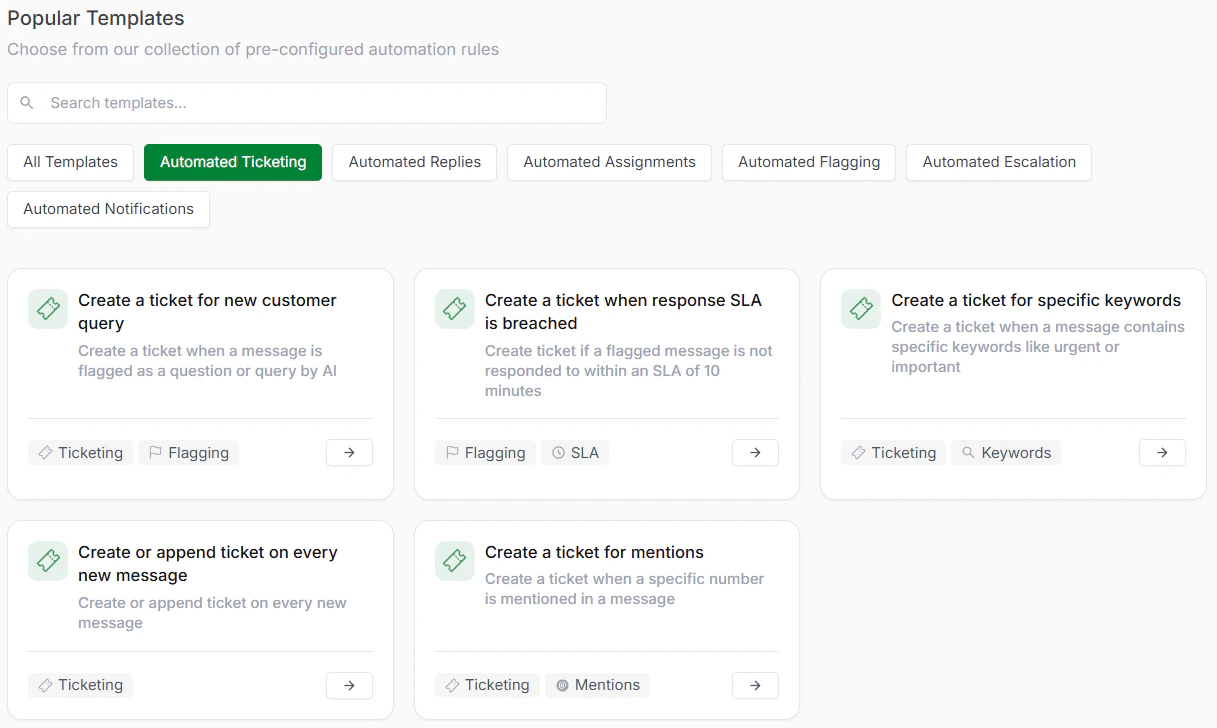
Automated Ticketing Templates
Step 3: Review and Optionally CustomizeThe template comes with trigger and action pre-configured. You can use it as-is or add conditions for more control.
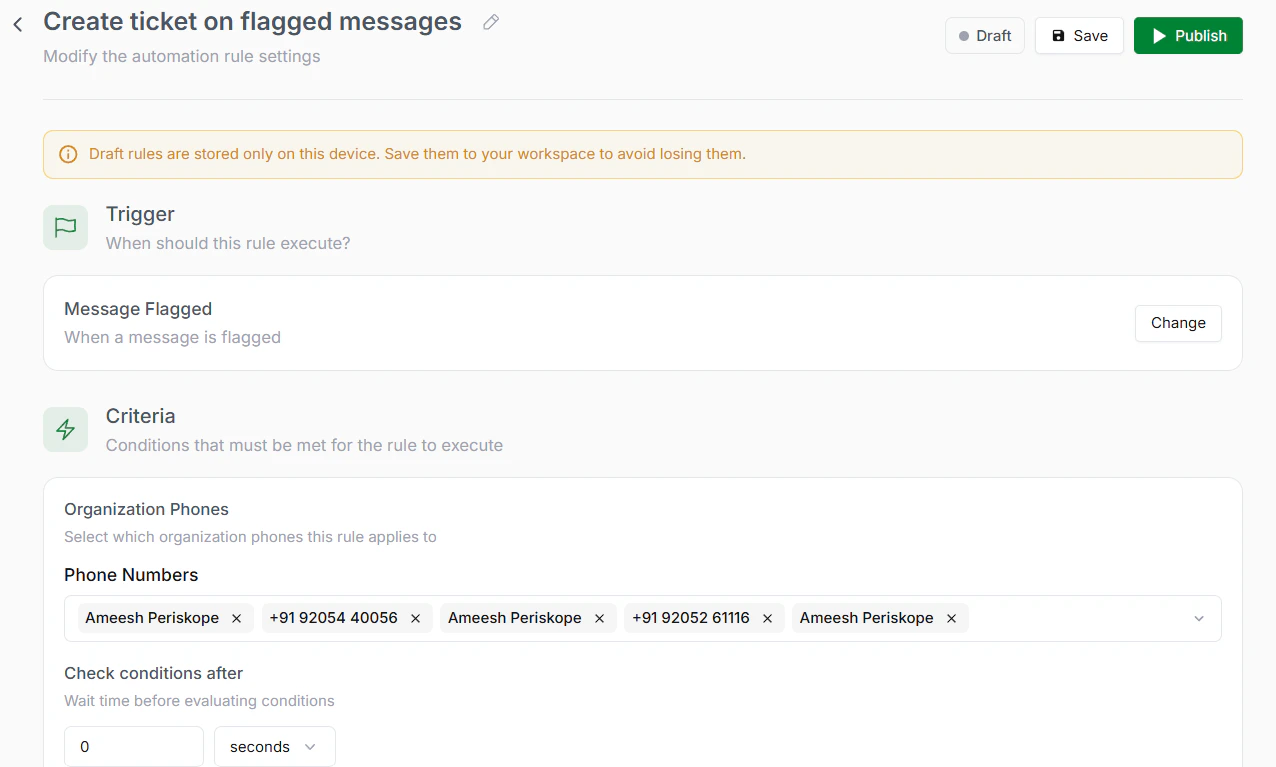
Review the rule
Step 4: Save and PublishClick Save to store your rule. Click Publish to activate it. Your automation is now live.
Available Automated Ticketing Templates
- Create a ticket for new customer query
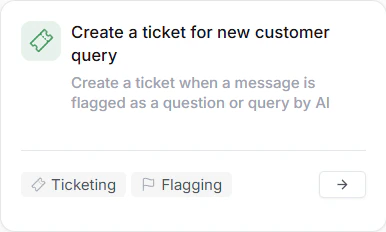
For new customer query
- Create a ticket when response SLA is breached
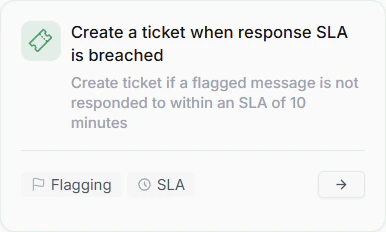
When response SLA is breached
- Create a ticket for specific keywords
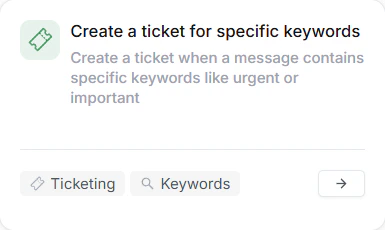
For Specific keywords
- Create or append ticket on every new message
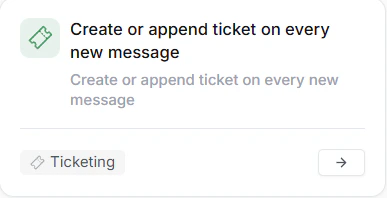
On every new message
- Create a ticket for mentions
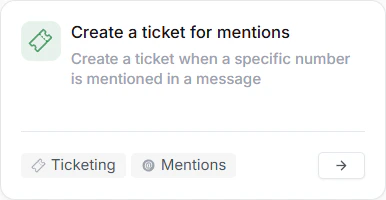
For mentions