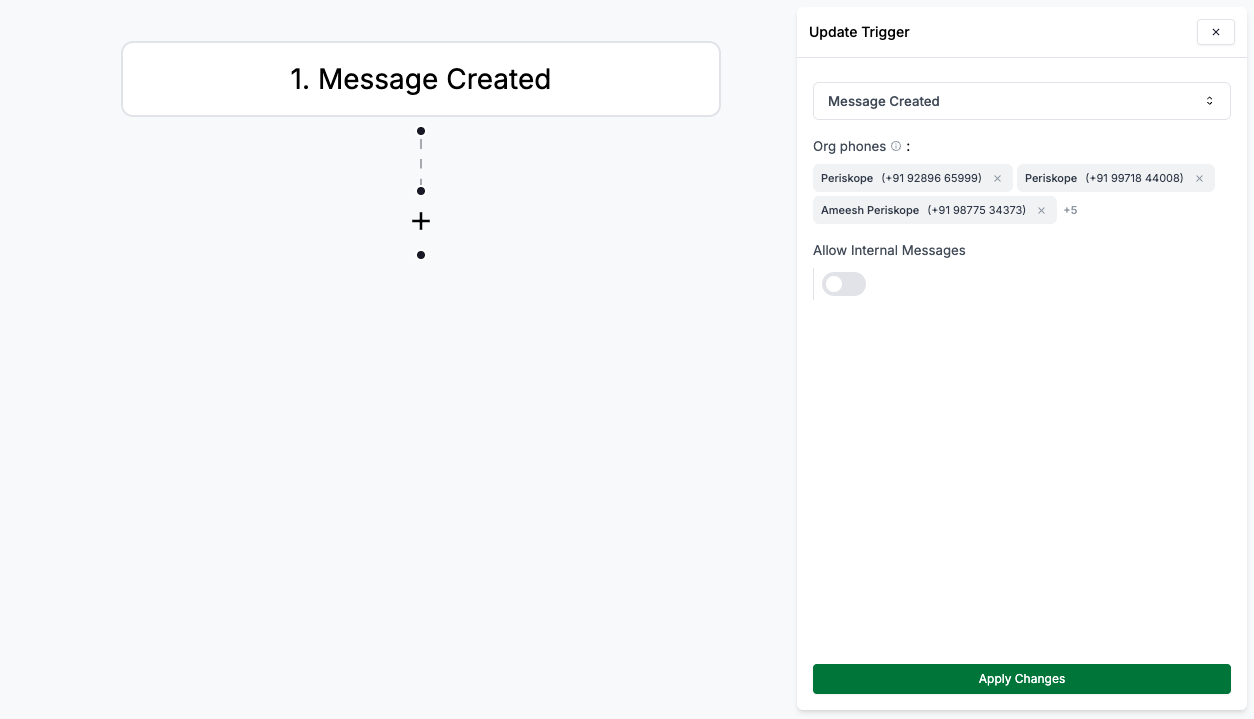
Workflows are a powerful feature in Periskope that allow you to automate your monitoring and alerting workflows. You can create workflows that trigger actions based on specific conditions.
Workflows are a set of predefined actions that allow users to automate tasks within their system. These workflows are designed to streamline processes, improve efficiency, and reduce manual intervention. By combining triggers, conditions, and actions, workflows can execute complex workflows seamlessly.Think of workflows as:“If this happens → then do a set of things automatically, if not then do other set of things automatically.”
Workflows operate through a structured workflow involving triggers, conditions, and actions:Trigger Initiation: A predefined event (trigger) occurs, such as receiving a new message or updating a ticket. This event signals the system to evaluate the automation rule.Action Execution: Upon meeting the criteria, the specified actions are executed. Actions can be immediate or delayed based on the configuration.
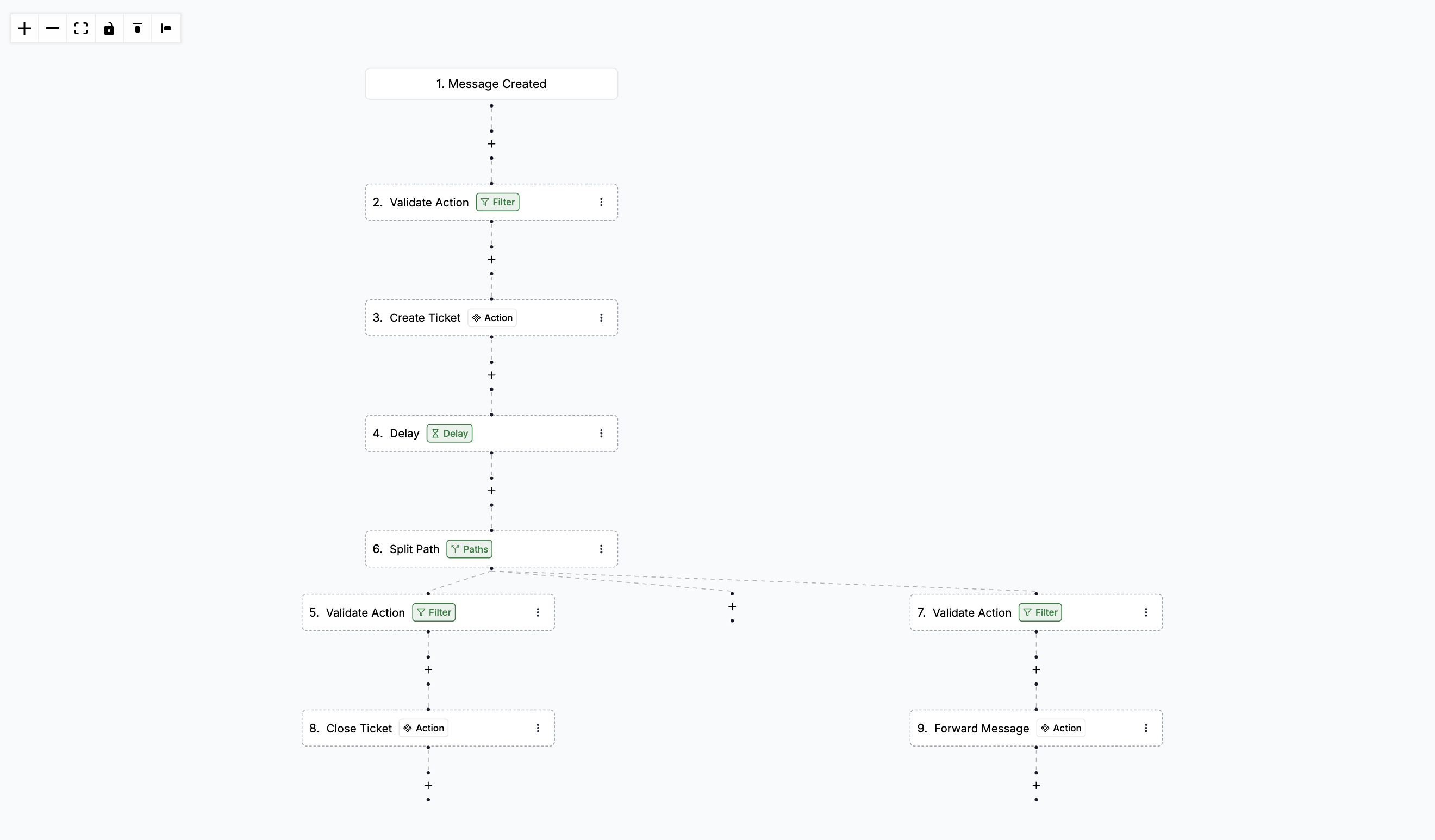
For example,when a new message is received (trigger), the system evaluates
whether it contains specific keywords (criteria). If the criteria are
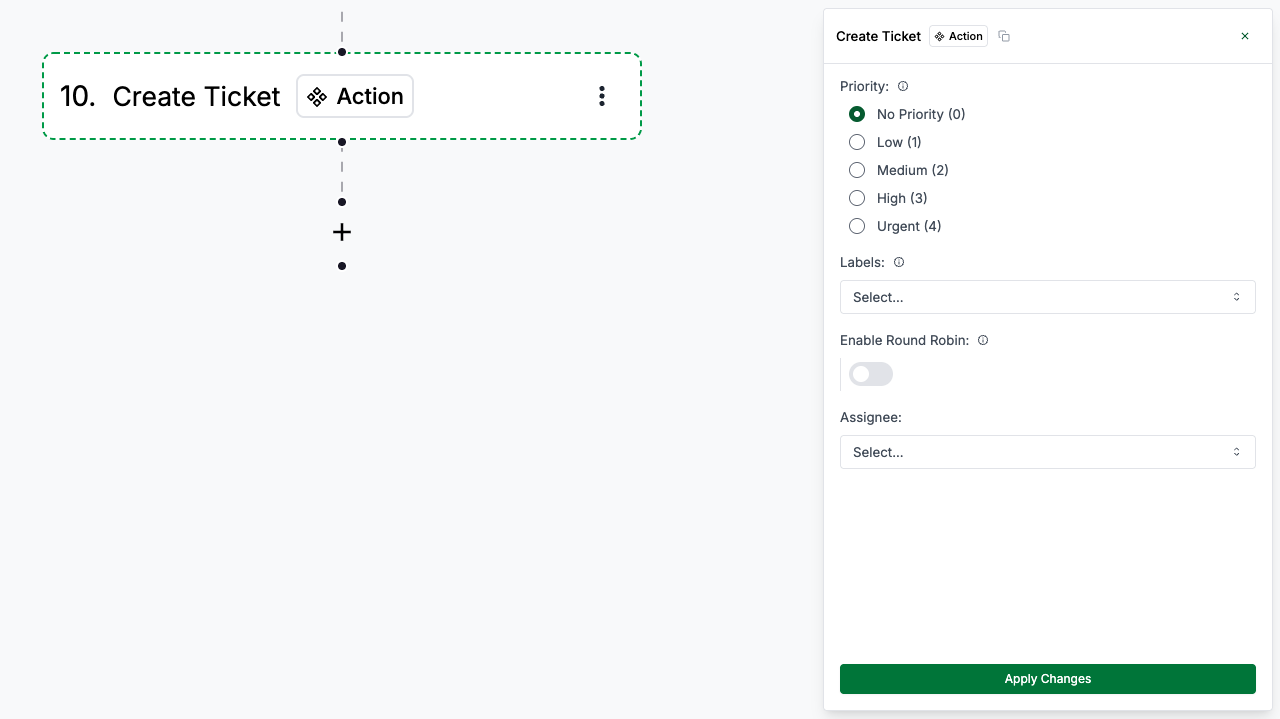
satisfied, the system creates a new ticket (action). After sometime, the system again checks if the message is responded to (action), if so, the system closes the ticket (action) or else it escalates the ticket and forwards the message to a human agent chat(action).
This sequence ensures a seamless and automated process.