Overview
Managing WhatsApp conversations can be overwhelming—long chats, missed queries, and the constant need to draft responses slow you down. AI Summaries & Responses by Periskope AI solve this by instantly summarizing key messages and suggesting replies, helping you stay on top of conversations without the manual effort.How to summarize chats with Periskope AI
- Open any chat in Periskope.
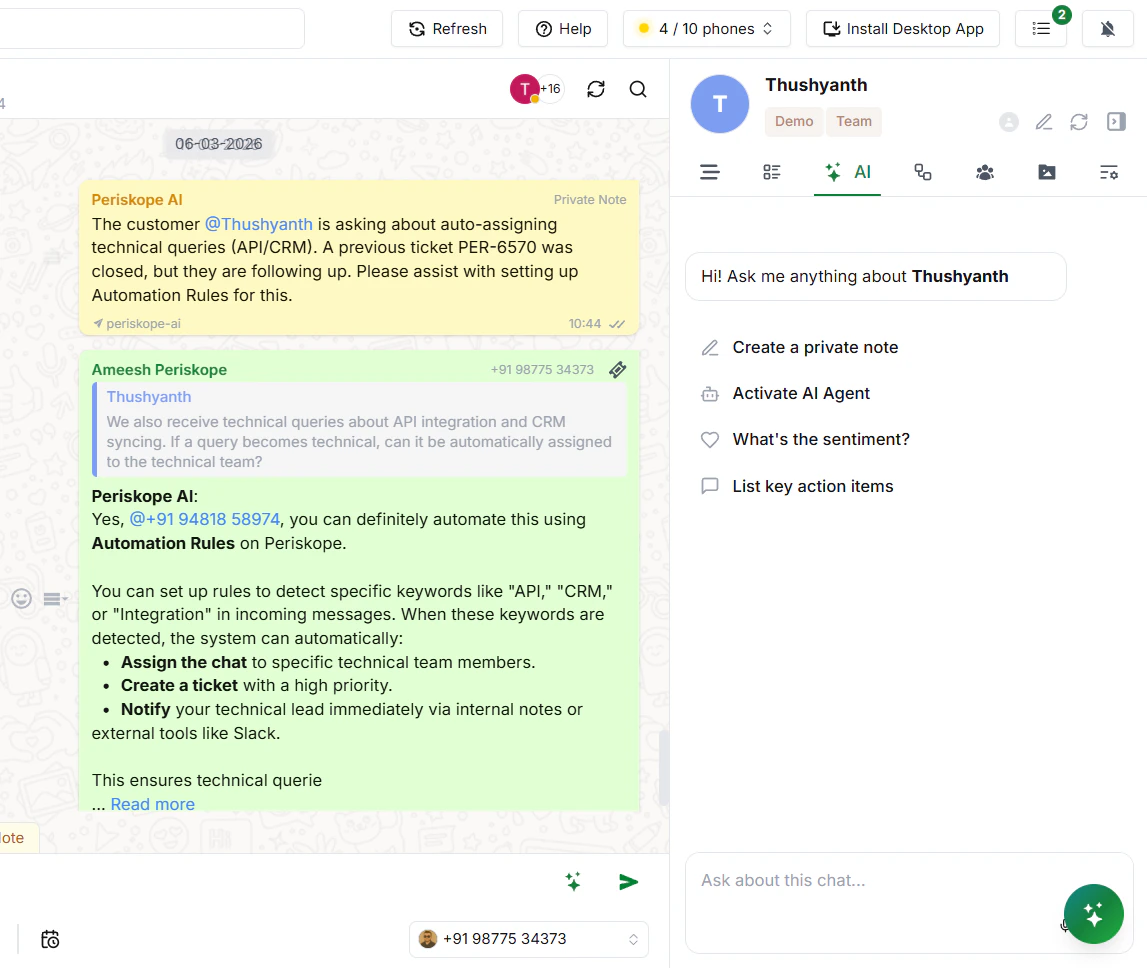
- On the right-hand side, click on the AI tab (you’ll see tabs like Overview, Properties, AI, etc.).
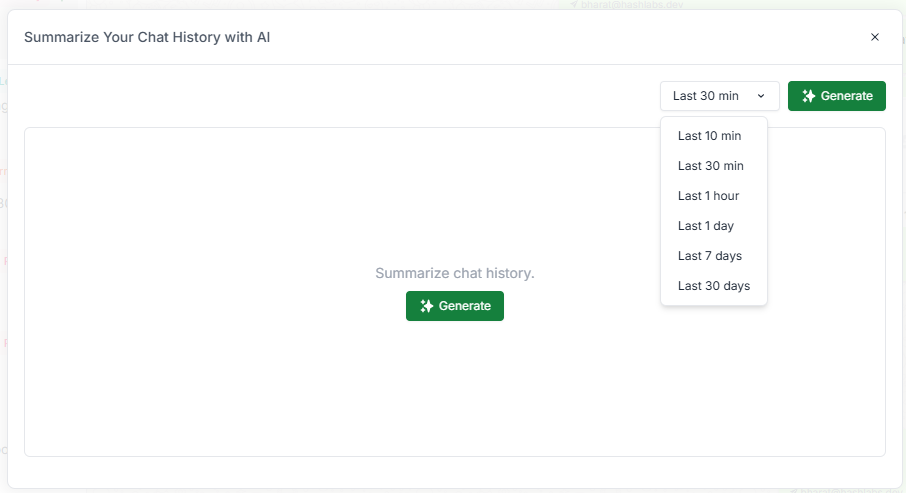
- In the text box, type your prompt — for example: “Give me a summary of this chat from the last 7 days.”
- The AI will instantly generate a summary for you.
How to craft responses with Periskope AI
Open any WhatsApp chat. On the right side panel, you’ll see an AI section with a text field at the bottom. Simply type what you want the AI to do — it will understand the context of the conversation and craft a response for you.