
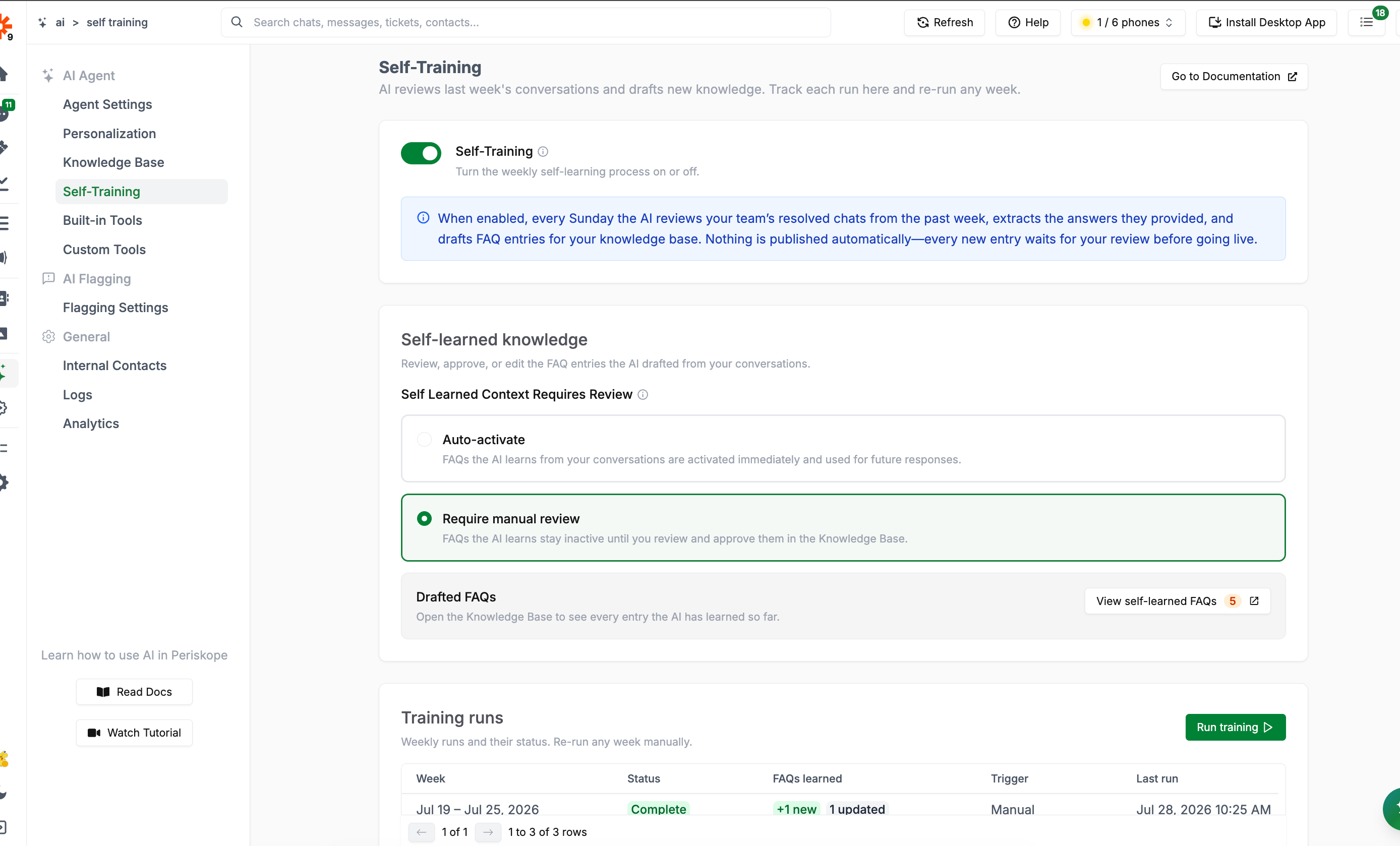
Self-Training
Self-Training is what powers the Self-Learned tab in the Knowledge Base. This page controls the schedule, settings, and run history; the drafted entries themselves are reviewed inside the Knowledge Base.
How It Works
When the Self-Training toggle is on, every Sunday the AI:- Reviews your team’s resolved chats from the past week
- Extracts the answers your team provided to customers
- Drafts FAQ entries for your Knowledge Base from those answers
Self-Learned Knowledge Settings
Under Self Learned Context Requires Review, choose how drafted FAQs behave once the AI creates them:
This is the same setting described in Self-Learned Context — changing it here or in the Knowledge Base has the same effect.
The Drafted FAQs card shows how many entries are currently pending review, with a View self-learned FAQs shortcut straight to the filtered Knowledge Base list.
Training Runs
The Training runs table is a history of every weekly run, plus any you’ve triggered manually:
If a run fails, hover the status to see the error.
Running Training Manually
Click Run training to process a specific week on demand — useful if you want fresh FAQs sooner than the next scheduled Sunday, or want to re-process a past week.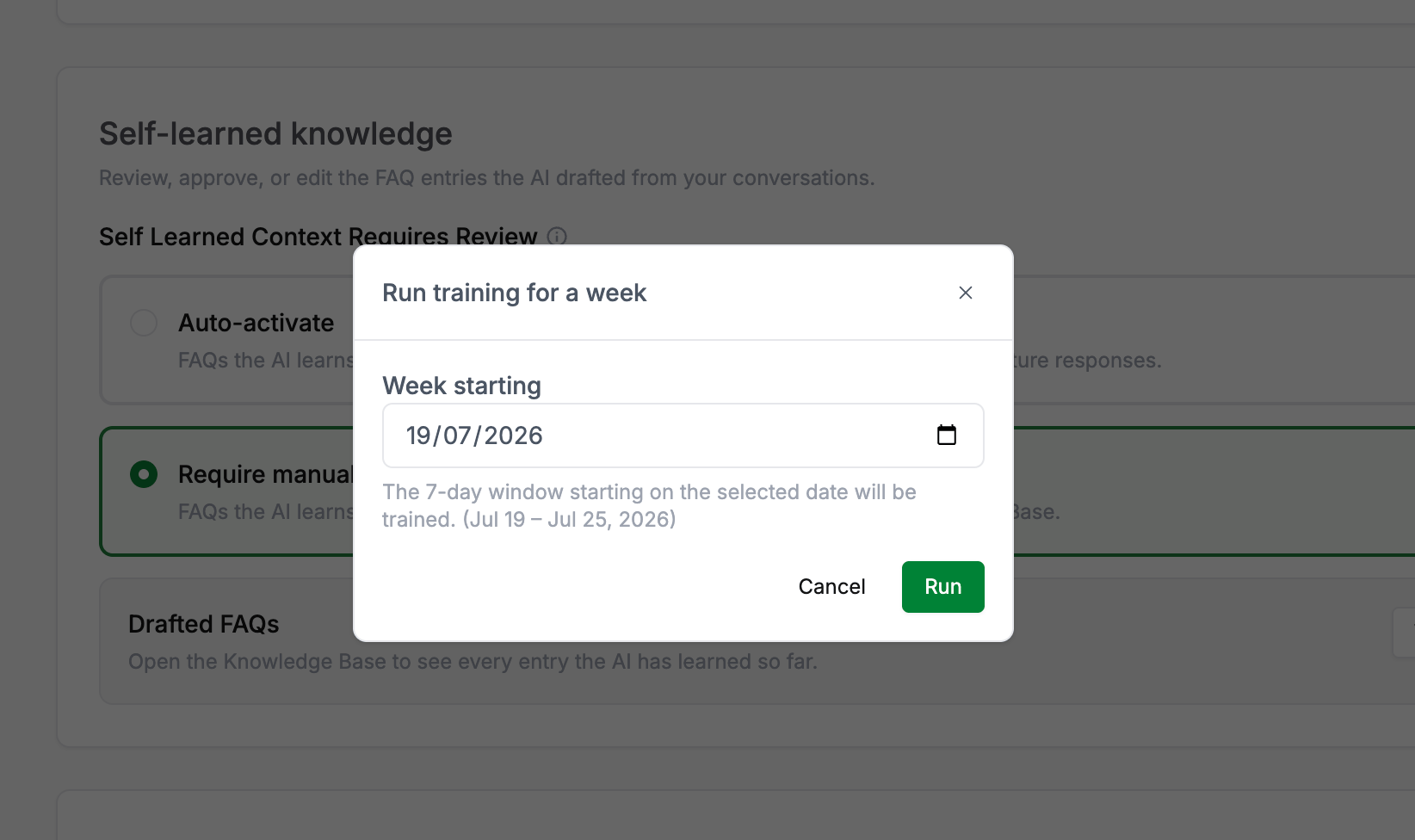
Run training
Next Steps
- Knowledge Base - Review, approve, and edit the FAQs Self-Training drafts
- Org Assistant - Ask the AI to audit your Knowledge Base for gaps, duplicates, and outdated entries