
Overview
Not every conversation needs manual routing, but every conversation needs to reach the right person. With Periskope’s Automated Assignments Templates, you can automate how chats and tickets are distributed to your team. Round robin ensures fair workload balance. Creator assignment maintains continuity. Let automation handle routing so your team can focus on handling conversations.How It Works
Automated Assignments Templates are pre-built rules that assign chats or tickets automatically based on triggers and logic. Instead of building automation from scratch, you activate a template and optionally add conditions.- Select a template from the Automated Assignments category
- Review the pre-configured trigger and assignment logic
- Optionally add conditions to refine when assignments happen
- Select which team members to include in the assignment pool
- Save and activate the rule
- Chats and tickets are now assigned automatically
Getting Started with Automated Assignments
Step 1: Access Automation Rules and Start from TemplateFrom your Periskope dashboard > go to Automation Rules > Click New Rule > Click Start from Template. You’ll see templates organized by category. Look for the Automated Assignments category.
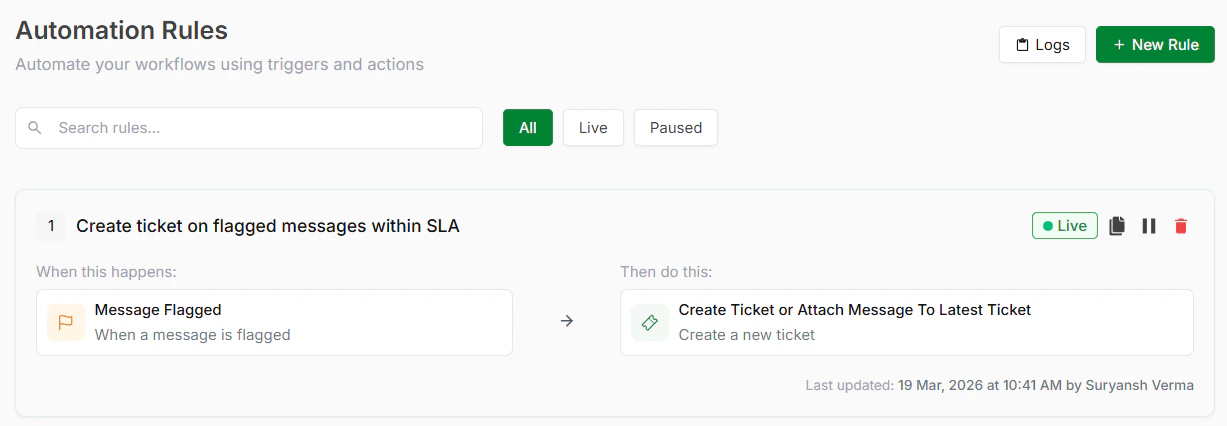
Automation Rules
Step 2: Choose a TemplateInside Automated Assignments, select the template that matches your workflow. See available templates below.
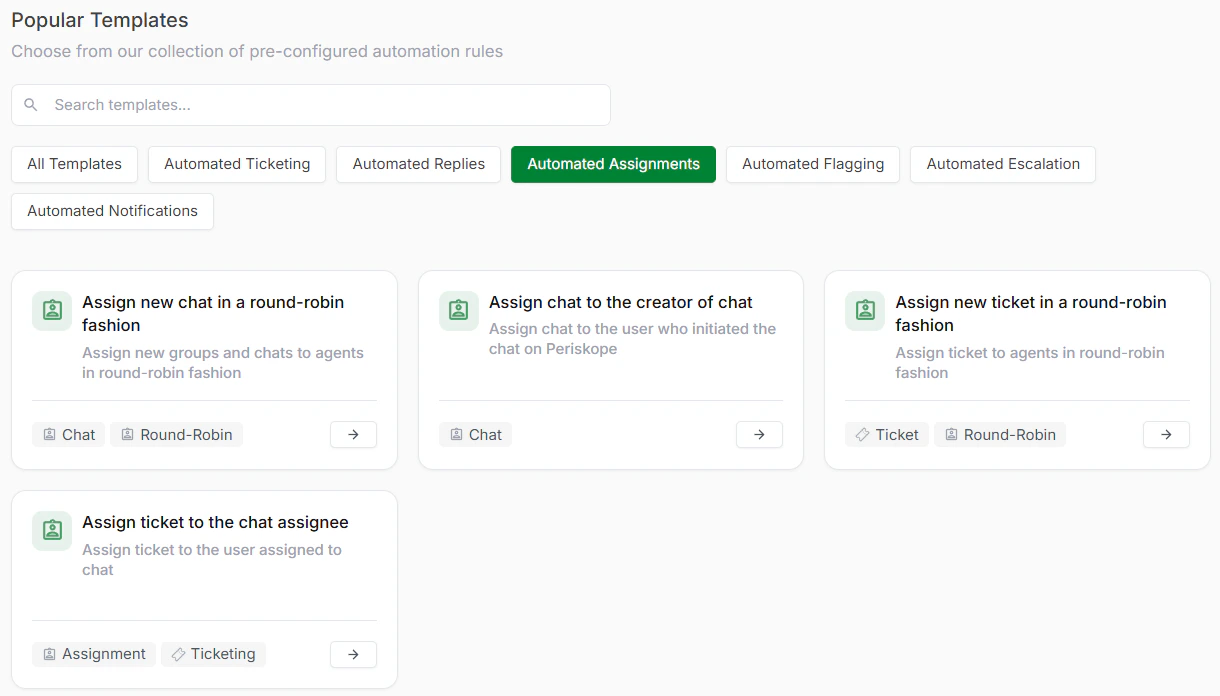
Automated Assignment Templates
Step 3: Review and Optionally CustomizeEach template comes with a trigger and action already configured. Review these to understand how the template will work. You can see what conditions will activate the assignment and what logic will be used.
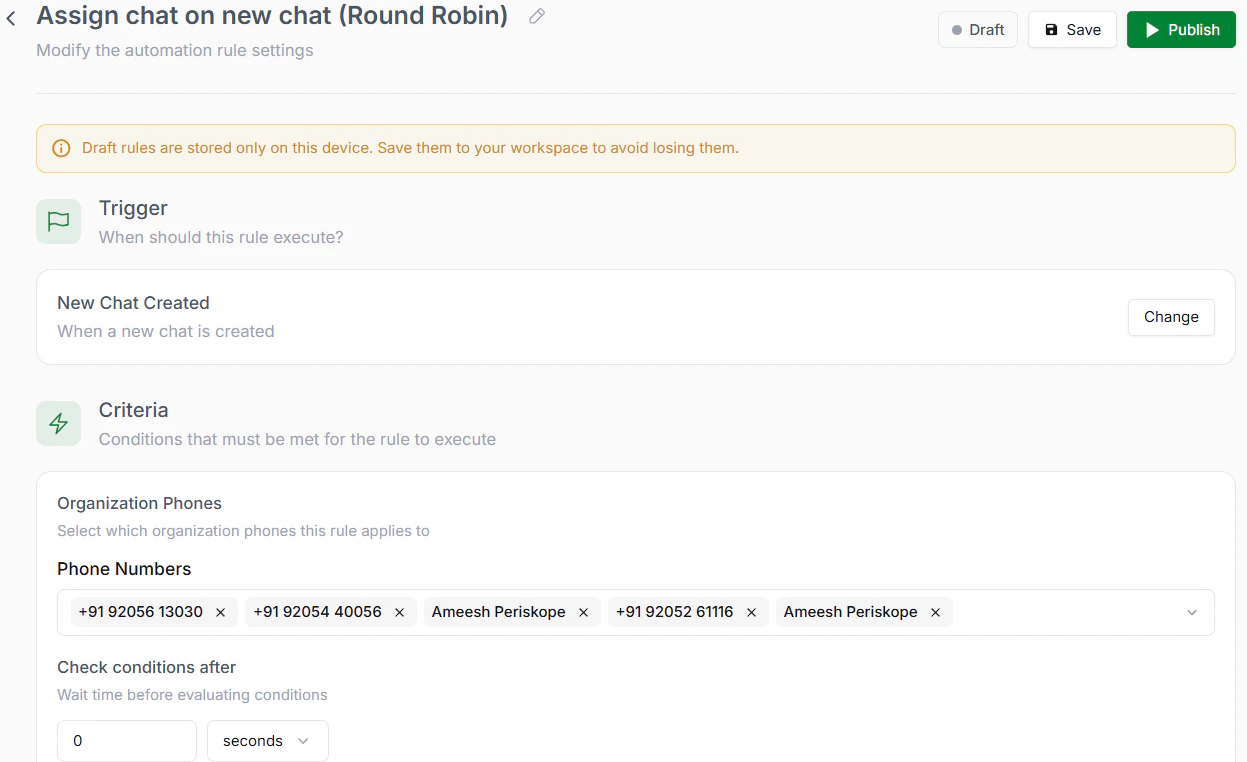
Review the Rule
Step 4: Select Your Team MembersChoose which agents should be included in the assignment pool. For round robin, all selected members participate equally.
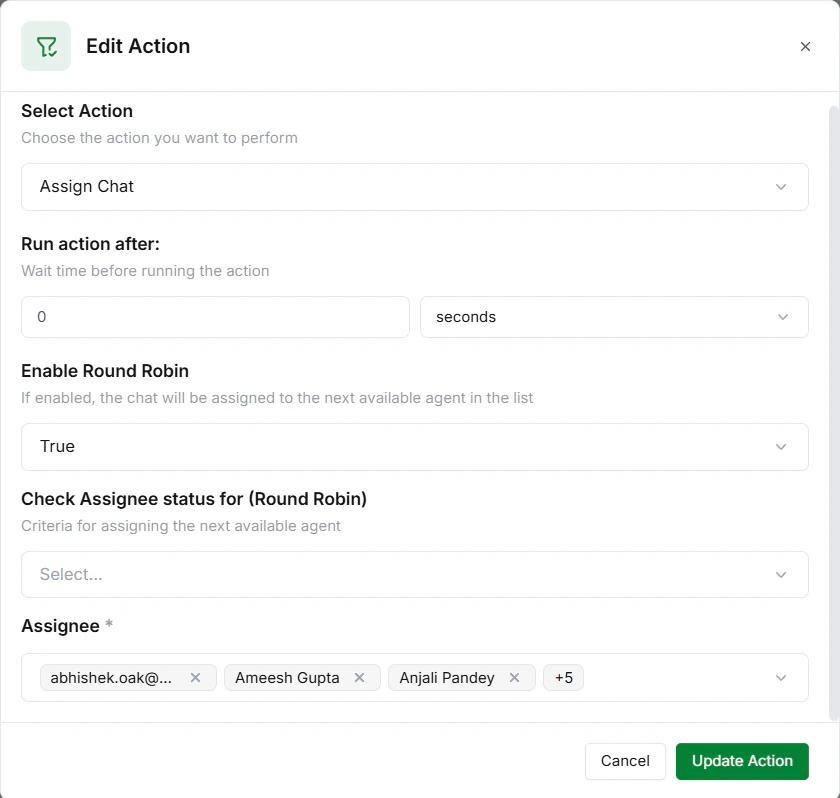
Assign Team Members
Step 5: Save and ActivateClick Save to store your rule. Click Activate to turn it live. Assignments now happen automatically.
Available Automated Assignments Templates
- Assign New Chat in a Round Robin Fashion
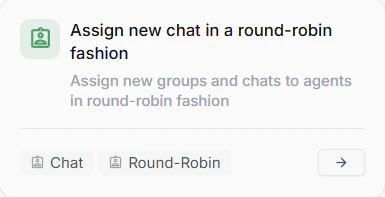
new chat in a round-robin fashion
- Assign Chat to the Creator of Chat
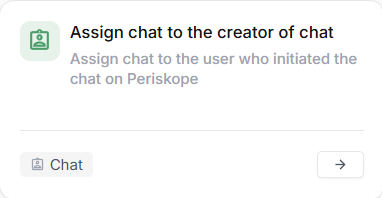
chat to the creator of chat
- Assign New Ticket in a Round Robin Fashion
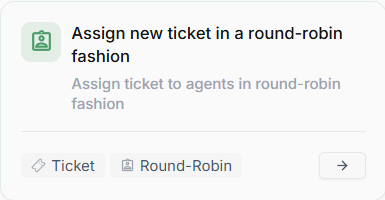
new ticket in a round-robin fashion
- Assign Ticket to the Chat Assignee
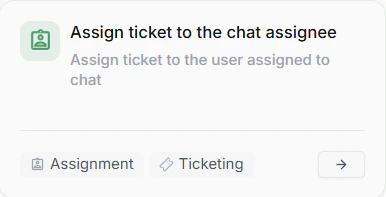
ticket to chat assignee