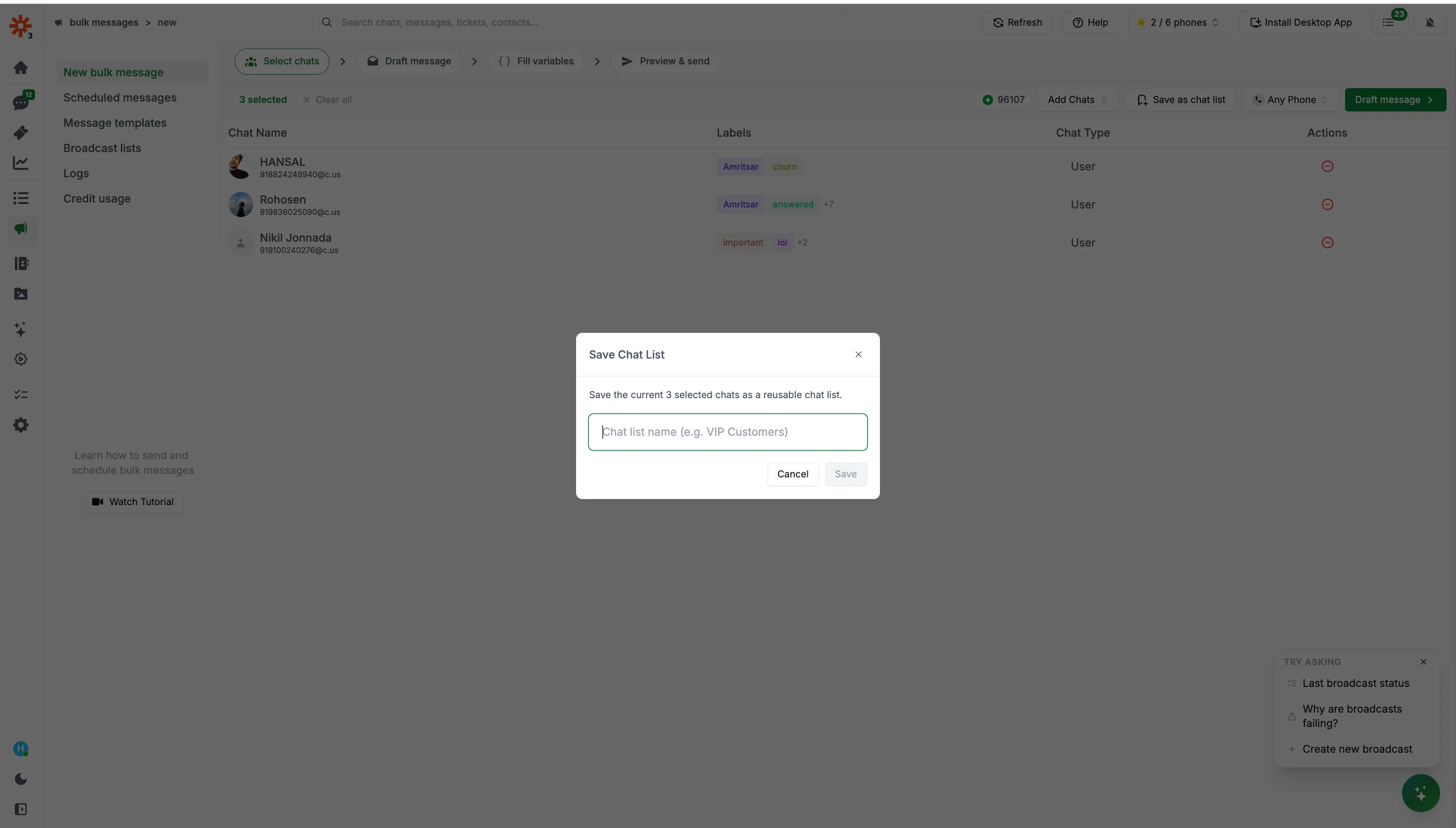
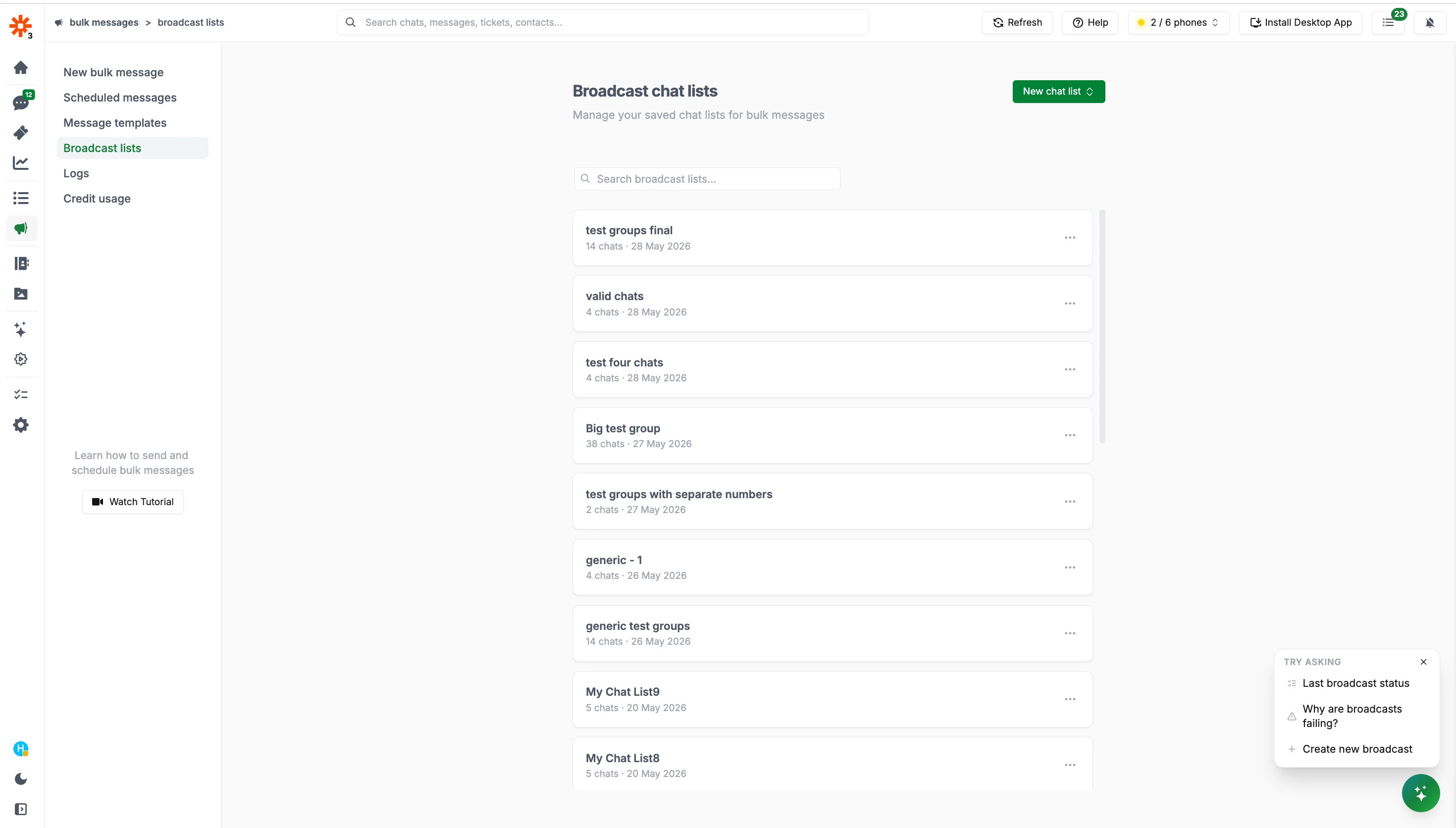
Saved chat lists let you save a list of group and contacts under a name and load them instantly when creating any future broadcast — without re-selecting contacts each time. This is especially useful for recurring sends to the same audience.
When creating a new broadcast, click Add Chats → Select from saved chat lists and pick the list you want to load. All contacts from the list will be added instantly.