
Overview
Not every message needs manual effort, but every message still needs a response. With Periskope’s Automated Replies Templates, you can automate responses so your team can focus on more important conversations. Greetings, common questions, after-hours messages, mentions; let automation handle the repetitive replies while your team focuses on complex issues.How It Works
Automated Replies Templates are pre-built rules that send messages automatically based on triggers and conditions. Instead of building automation from scratch, you activate a template and customize the reply message.- Select a template from the Automated Replies category
- Review the pre-configured trigger and reply message
- Customize the reply text to match your tone
- Optionally refine conditions (keywords, hours, etc.)
- Save and activate the rule
- Automatic replies are now sent on matching messages
Getting Started with Automated Replies
Step 1: Access Automation RulesFrom your Periskope dashboard, go to Automation Rules > Click New Rule > Click Start from Template. You’ll see templates organized by category. Look for the Automated Replies category.
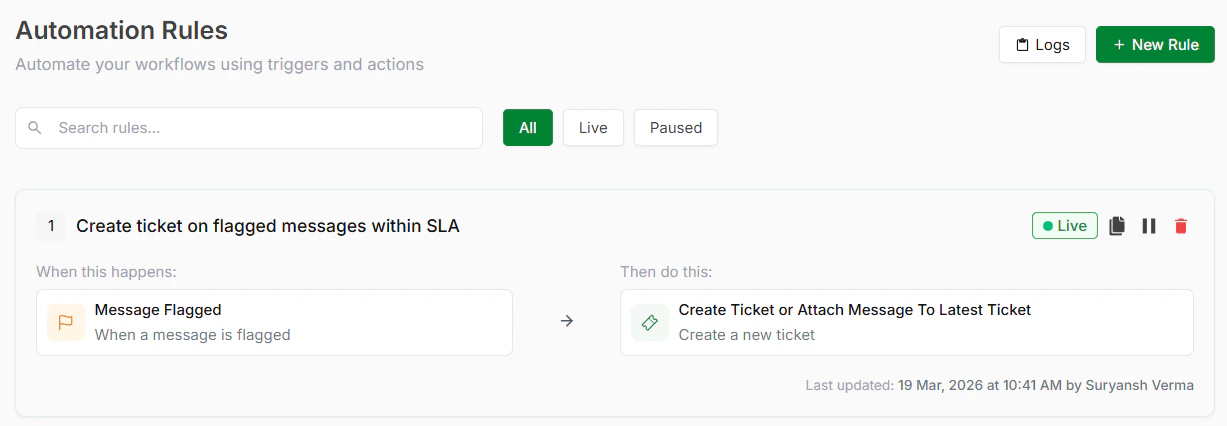
Automation rules
Step 2: Choose a TemplateInside Automated Ticketing, you’ll find several ready-to-use templates. Pick the one that matches your workflow. See templates below.
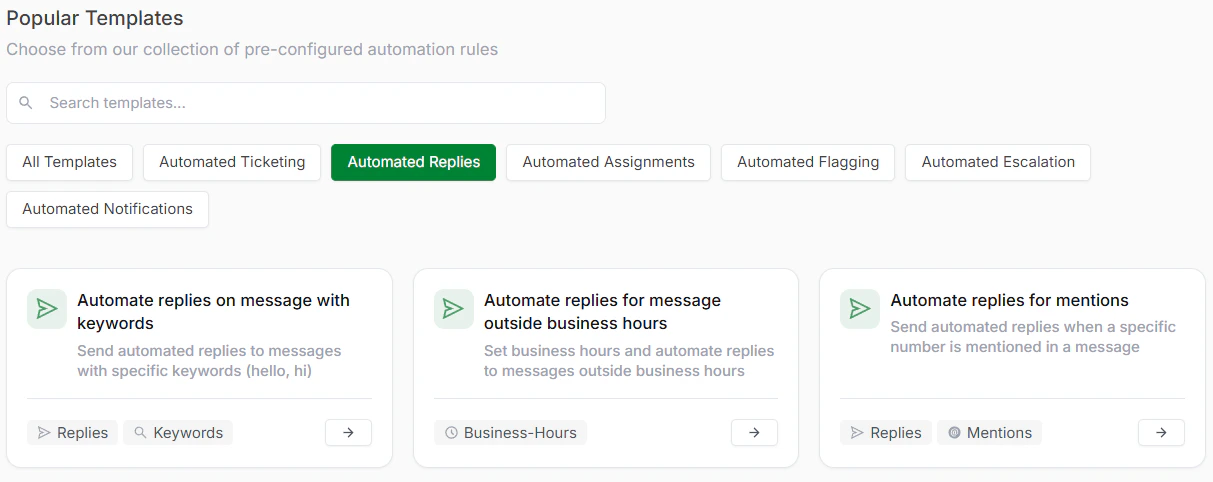
Automated Replies Templates
Step 3: Review and Optionally CustomizeThe template comes with trigger and action pre-configured. You can use it as-is or add conditions for more control. The conditions are also pre-configured. Adjust them if needed to match your exact workflow if required.
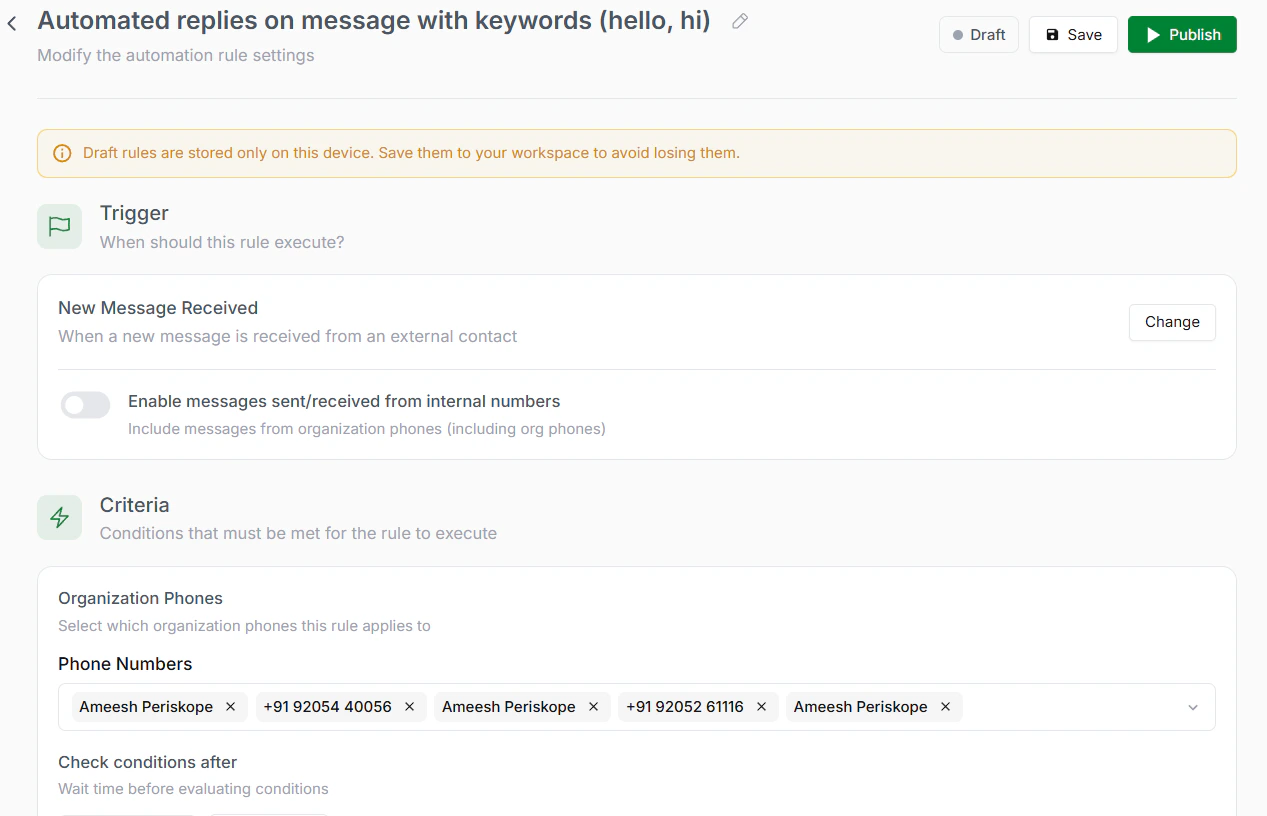
Review the rule
Step 4: Save and ActivateClick Save to store your rule. Click Activate to turn it live. Replies are now sent automatically.
Available Automated Replies Templates
- Automated Replies on Message with Keywords
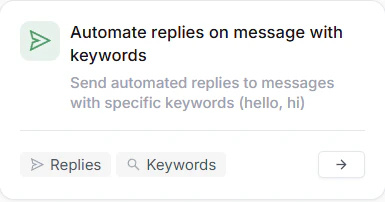
On messages with keywords
- Automated Replies for Messages Outside Business Hours
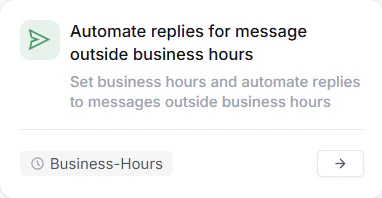
For messages outside business hours
- Automated Replies for Mentions
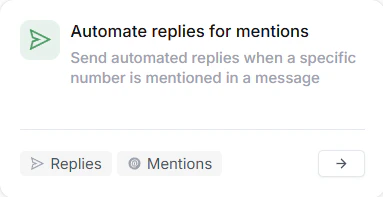
For mentions