> ## Documentation Index
> Fetch the complete documentation index at: https://docs.periskope.app/llms.txt
> Use this file to discover all available pages before exploring further.
# Task Actions (filters, sorting & actions)
> Guide to use task filters/sorting, task actions, and task details on Periskope
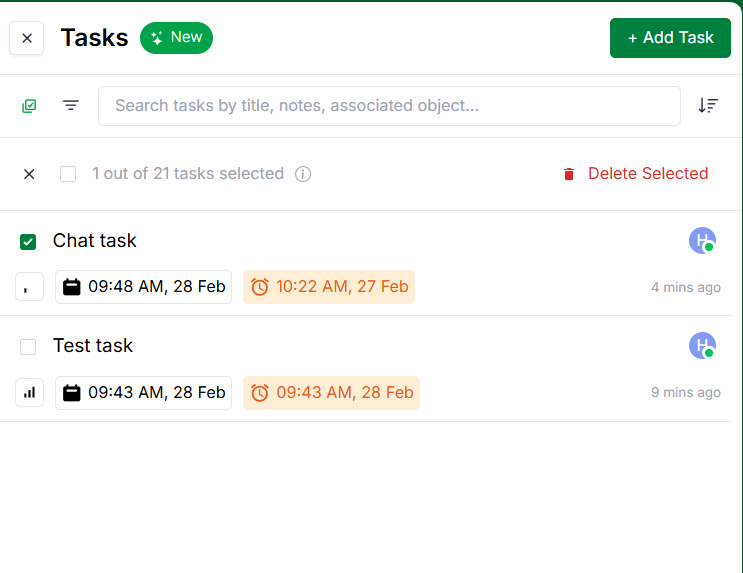
This feature allows users to filter, sort, and perform actions on tasks to improve productivity and response efficiency.
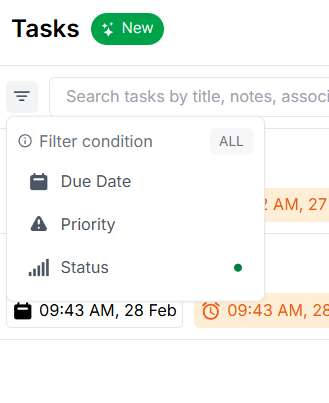
## 🧹 Filter tasks
You can filter tasks based on the following options:
1. Due date
2. Priority
3. Status
 ## 📊 Sort tasks
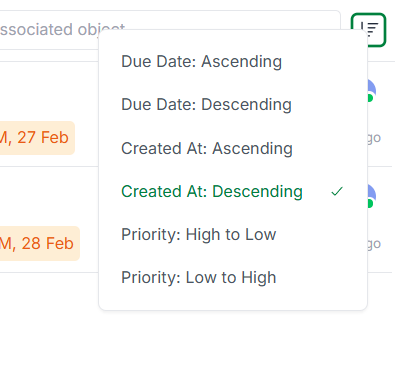
You can sort tasks based on the following options:
1. Due date
2. Created at
3. Priority
## 📊 Sort tasks
You can sort tasks based on the following options:
1. Due date
2. Created at
3. Priority
 ## 🛠️ Task actions
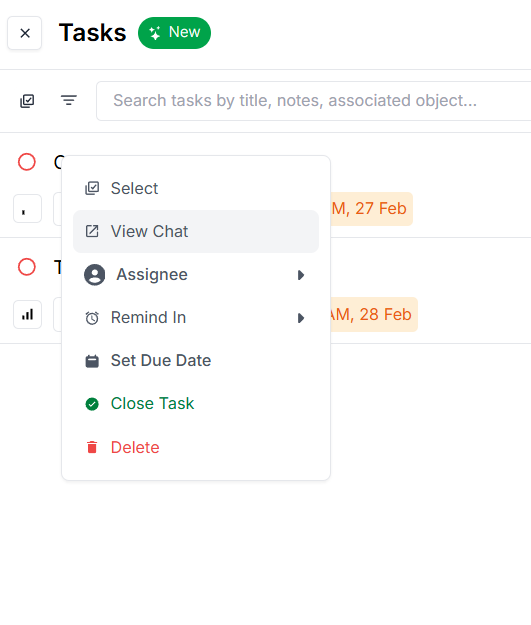
You can perform the following actions on tasks:
1. Edit task
2. View associated objects (message, chat, ticket)
3. Quick reminders
4. Assignee
5. Set due date
6. Close task
7. Delete task
## 🛠️ Task actions
You can perform the following actions on tasks:
1. Edit task
2. View associated objects (message, chat, ticket)
3. Quick reminders
4. Assignee
5. Set due date
6. Close task
7. Delete task
 You can bulk-select tasks to perform actions like close, delete, or assign tasks to a user.